

Inspect, convert, and validate 3D assets
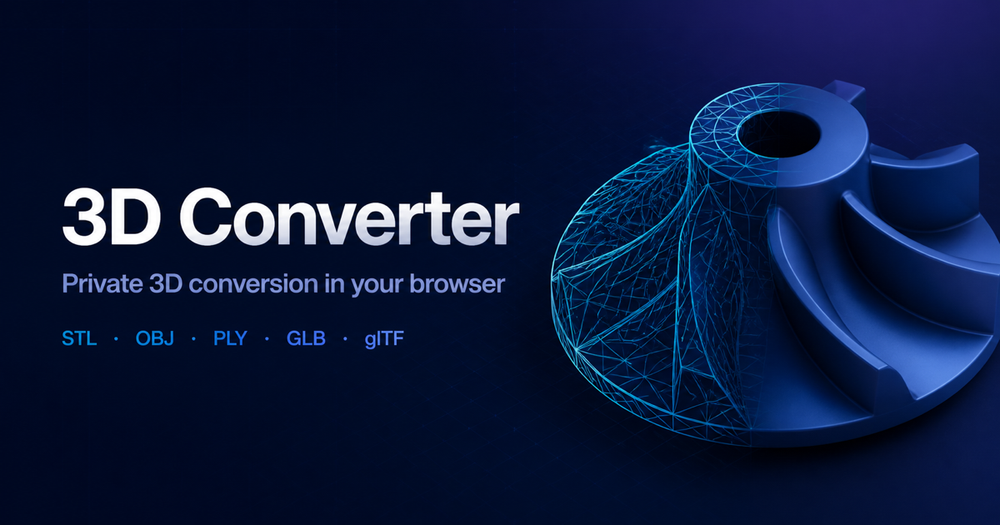
3D Converter helps you inspect, convert, and validate common 3D mesh and scene files directly in a modern browser. Open or convert STL, OBJ, PLY, GLB, and glTF assets, preview the model, choose route-specific settings, and download a validated result.
Local mesh routes parse the selected files in your browser instead of uploading the model. OBJ and glTF workflows can include referenced MTL, BIN, and image dependencies when selected together, helping preserve supported materials, textures, and scene structure. The built-in viewer shows model dimensions and supported geometry, materials, hierarchy, animation, units, and axis information so you can review an asset before handoff. Conversion output depends on the source and target formats; the app reports what was preserved or changed.