

LogoUtilPortal
  • Tools
  • Collection
  • Rankings
  • Category
  • Tag
  • Blog
  • Pricing
  • Submit
LogoUtilPortal

Newsletter

Join the Community

Subscribe to our newsletter for the latest news and updates

LogoUtilPortal

Explore, Access, Utilize

GitHubX (Twitter)
UtilPortal - Discover the best tools for every task | Startup FameBuilt withMkdirs LogoMkdirs
Product
  • Landing
  • Search
  • Collection
  • Category
  • Tag
Resources
  • AI Chat Tools
  • Blog
  • Pricing
  • Submit
Support
  • GitHub
  • Twitter
  • Email
  • Developer Blog
Company
  • Privacy Policy
  • Terms of Service
  • Sitemap
Copyright © 2026 Star Vista LLC. All rights reserved.
  1. Home
  2. Category
  3. AI & ML
  4. Moises
Logo of Moises

Moises

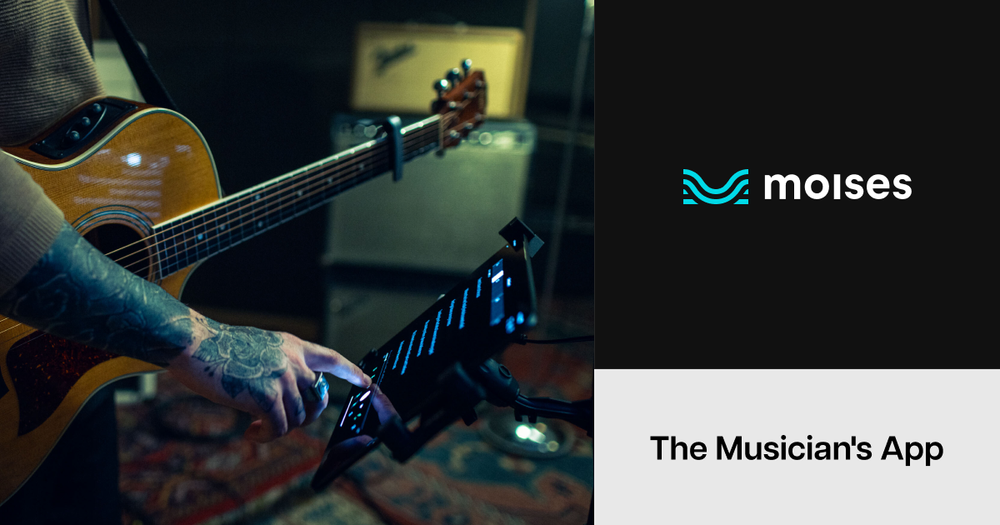
Moises is an AI-powered music creation platform designed to empower musicians and producers. It offers features like AI audio separation to isolate vocals and instruments, smart metronome, chord detection, pitch correction, and AI-driven mastering to enhance music production workflows. Users can easily remix tracks, practice with isolated instruments, and create professional-sounding music.

Visit Website
Screenshot of Moises
Visit Website

Introduction

Website Metrics

0
62

Domain Rating i

SEO metric that shows the strength of a website's backlink profile

0

Related Videos

You Won't Believe How Good This App Is | Moises Full Review
2:28

You Won't Believe How Good This App Is | Moises Full Review

Home Studio Simplified · 2025/5/1

NaN
35
175
YouTube
Separate VOCALS and INSTRUMENTS from ANY SONG with the MOISES APP
2:28

Separate VOCALS and INSTRUMENTS from ANY SONG with the MOISES APP

Home Studio Simplified · 2022/4/28

NaN
539
NaN
YouTube
Elevate Your Guitar Game: Moises App BACKING TRACKS FOR GUITARISTS
2:28

Elevate Your Guitar Game: Moises App BACKING TRACKS FOR GUITARISTS

Guitar Mates · 2023/7/8

NaN
80
581
YouTube
The Stem Separation App For EVERY MUSICIAN | Moises AI
2:28

The Stem Separation App For EVERY MUSICIAN | Moises AI

Rob Brown · 2025/5/1

NaN
67
449
YouTube
Extract VOCAL & INSTRUMENT Stems from ANY SONG - Moises App (Apple & Android)
2:28

Extract VOCAL & INSTRUMENT Stems from ANY SONG - Moises App (Apple & Android)

Scott Uhl · 2021/8/17

NaN
155
NaN
YouTube
Back

Information

  • Publisher
    frend guo
  • Websitemoises.ai
  • Published date2025/06/22

More Products

Categories

  • AI & ML

Tags

  • ai
  • audio-generation
  • ai-assisted-dev
  • music

Moises Launch Embeds

Use website badges to drive support from your community for your UtilPortal Launch. They're easy to embed on your footer.

UtilPortal badge

LineSVG

DesignContent CreationAI & MLUtilities

AI line art generator and image-to-SVG converter that creates clean vector artwork with real editable strokes.

aiillustrationimage-generation+5

VSDXAI

ProductivityDesignAI & MLUtilities

AI-powered Visio diagram generator that turns documents, spreadsheets, images, text, and audio into editable native VSDX files.

aidata-visualizationchart+3

LayerBack

AI & MLDesignProductivity

Convert diagram images into editable Visio, PowerPoint, and draw.io files with real shapes, connectors, and text.

3d-modelingAccount Cleanupaccounts-payable+377

Moises is an AI-powered platform designed to enhance music creation and practice. Whether you're a beginner or a pro, Moises provides tools to help you unlock your creative potential.

Key features include:

  • AI Audio Separation: Isolate vocals, drums, bass, and other instruments from any song.
  • Smart Metronome: Instantly generate click tracks that sync to any song.
  • Chord Detection: Automatically detect and display the chords of any song in real-time.
  • Pitch Correction: Detect and correct the pitch of any song.
  • AI Mastering: Get your music ready for release with AI-powered mastering.
  • Speed Changer: Slow down or speed up any song without affecting the pitch.
How to Use
  1. Upload a Song: Import your favorite songs or original tracks into the Moises app.
  2. Isolate Instruments: Use the AI audio separation feature to isolate specific instruments or vocals.
  3. Practice and Remix: Practice playing along with isolated tracks or create remixes by combining different elements.
  4. Master Your Track: Use the AI mastering tool to finalize your song for distribution.